

On the touchscreen I can use pinch to zoom in browsers like Firefox and Microsoft Edge (I use it because Firefox doesn’t have PWA support), it is also supported in apps like Gnome Maps and Kirta. In Krita I can even move and turn the canvas with two finger input, it seems moving and turning are both supported in GNOME.
Outside of apps, you can also use a three finger up gesture to go to the active app overview. And you can switch between the active workspace with a three finger swipe to the right or the left (this can make switching between applications really fast). Long press for right click seems to work in most places.
You can drag an app to the left or the right of the screen to make it fill up half of the screen, and drag it to the top to make it full screen.

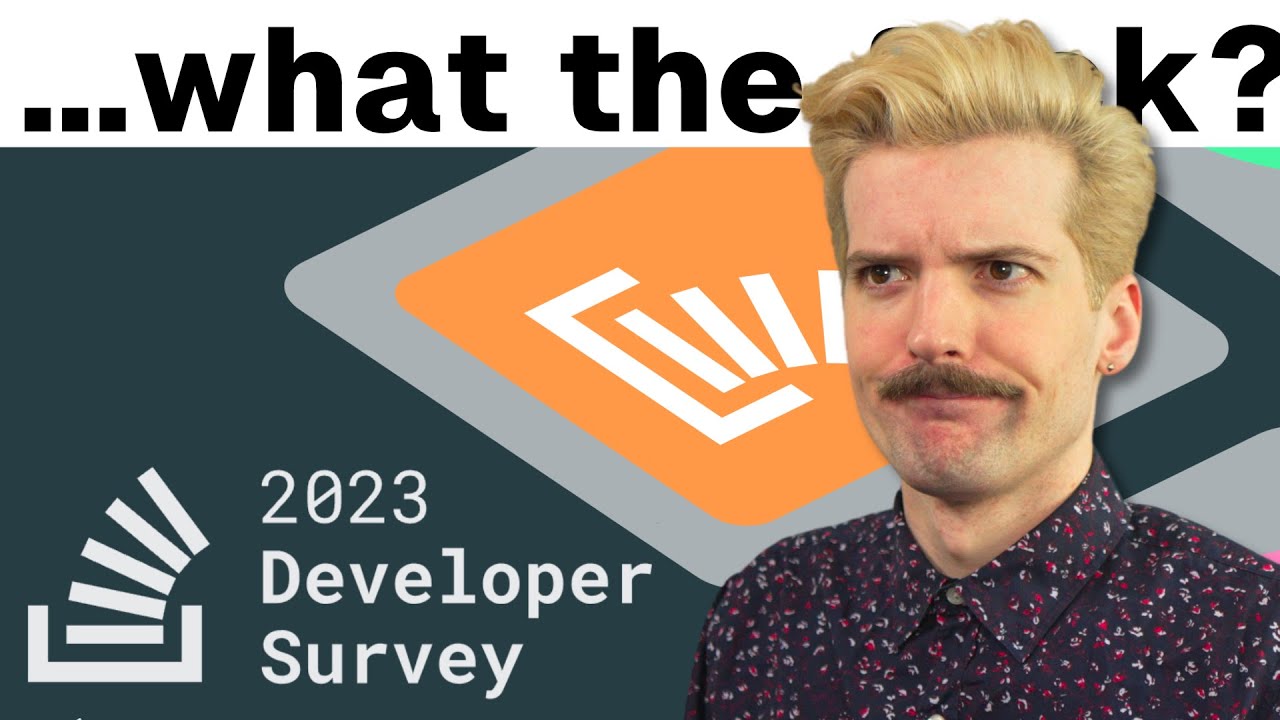
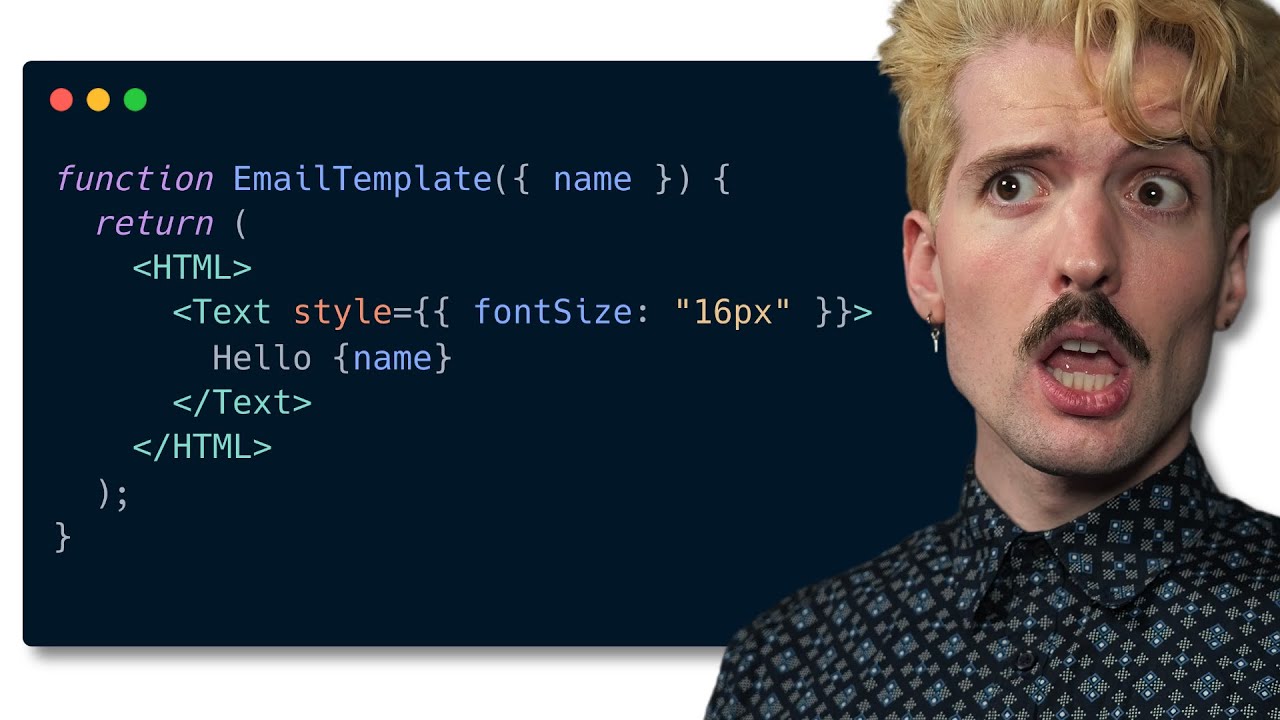
Yup although the creator claims to not want to post clickbait, one of the main issues of clickbait is a title that tells you in no way what the video is about, but does sound controversial enough so you want to know the content. And this video clearly manages to hit those goals. Just like the goal to not really talk about the topic for the first 2 minutes. It really just came down to “take things slow, don’t move on to the next thing before your understand the thing you are learning now”.